Typing Practice Guides
Practical guides to typing speed, accuracy, keyboard layouts, and choosing useful exercises. Start with a question below, then try the linked tools and lessons to apply what you learn.
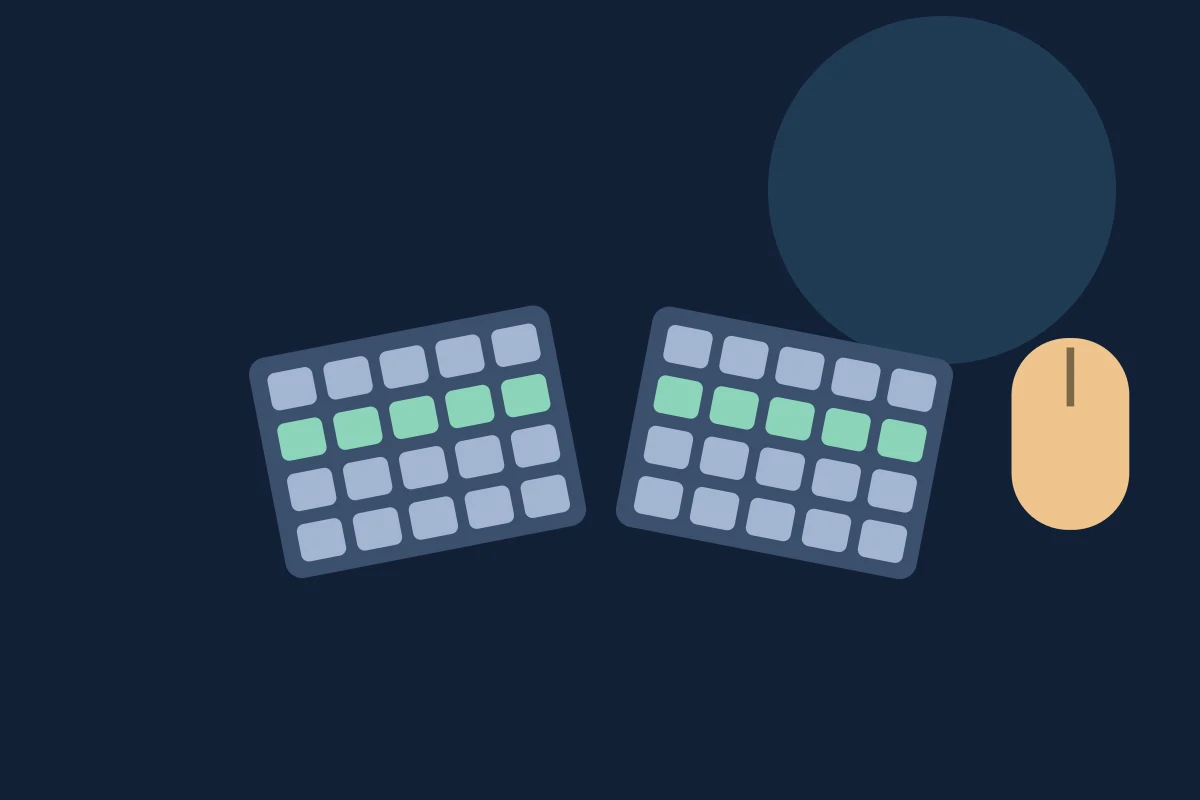
Ergonomic Keyboards: Benefits, Types, and When They Help
Learn how split and tented ergonomic keyboards work, which setup problems they may help, what research says, and what to check before buying one.
Top 5 Keyboard Keys for Software Engineers: A Practical Guide
Five useful keys for everyday coding: Ctrl or Command, Shift, Tab, Escape, and Backspace. Learn what they do, with VS Code examples and Mac differences.
Mac Trackpad Gestures: The Complete Multi-Touch Guide
Find Mac trackpad gesture settings, finger patterns, canvas navigation examples, and troubleshooting steps, with links to Apple and app documentation.
Windows Touchpad Gestures: The Complete Windows 11 Guide
Learn Windows 11 touchpad gestures, how to enable and customize them, Precision Touchpad requirements, and which gestures can genuinely save time.
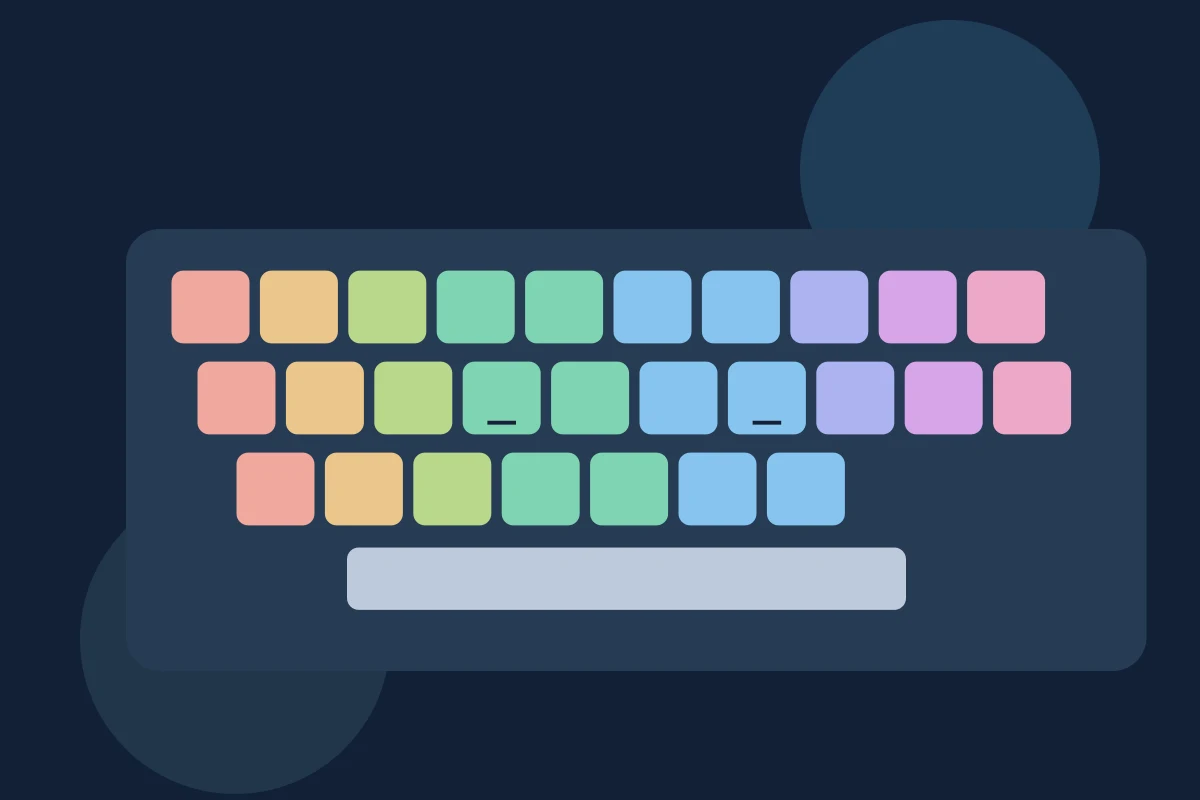
Why Finger Placement Matters When You Learn to Type
Learn why consistent keyboard finger placement matters, where your fingers belong on QWERTY, and how to practise awkward keys without chasing speed.
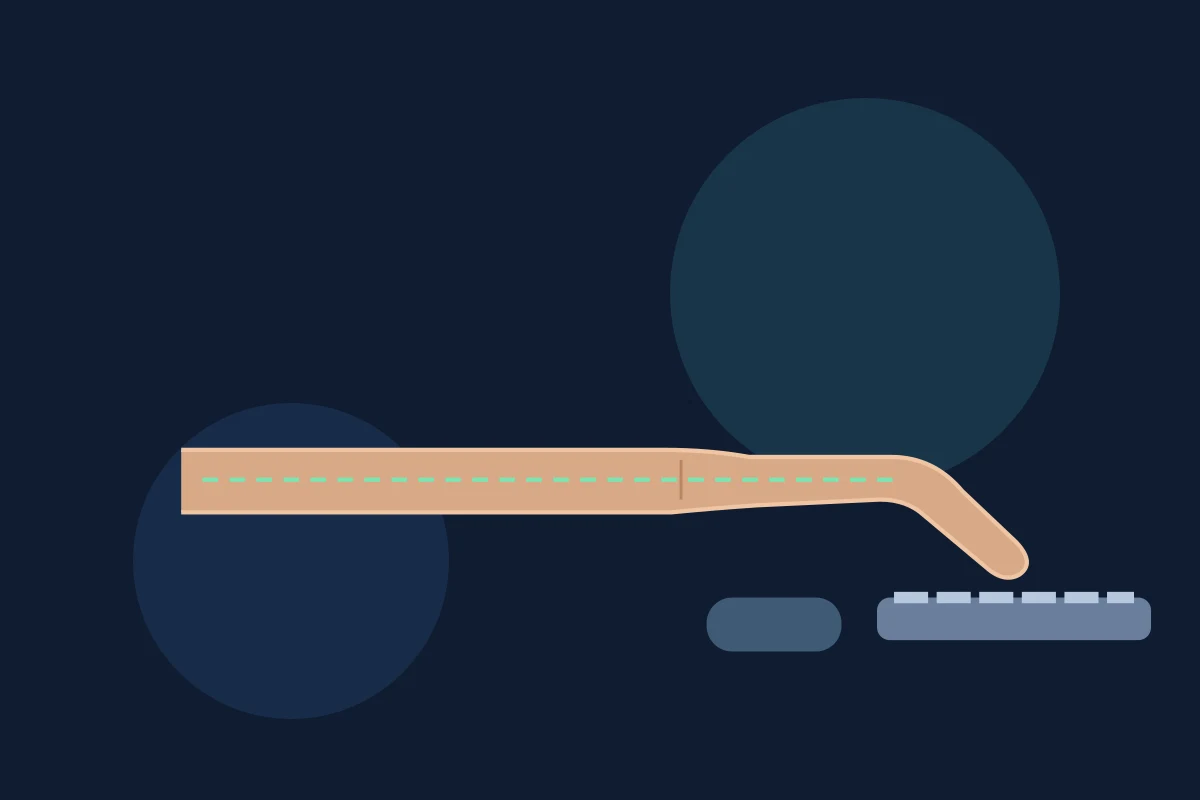
Should You Lift Your Wrists or Rest Them While Typing?
Should your wrists float or rest while typing? Learn neutral wrist position, when to use a palm support, and how to adjust your keyboard setup.

Typing Fast but Making Mistakes? Improve Accuracy
Typing fast but hitting the wrong keys? Spot recurring mistakes, practice awkward letter combinations, and write with fewer corrections.
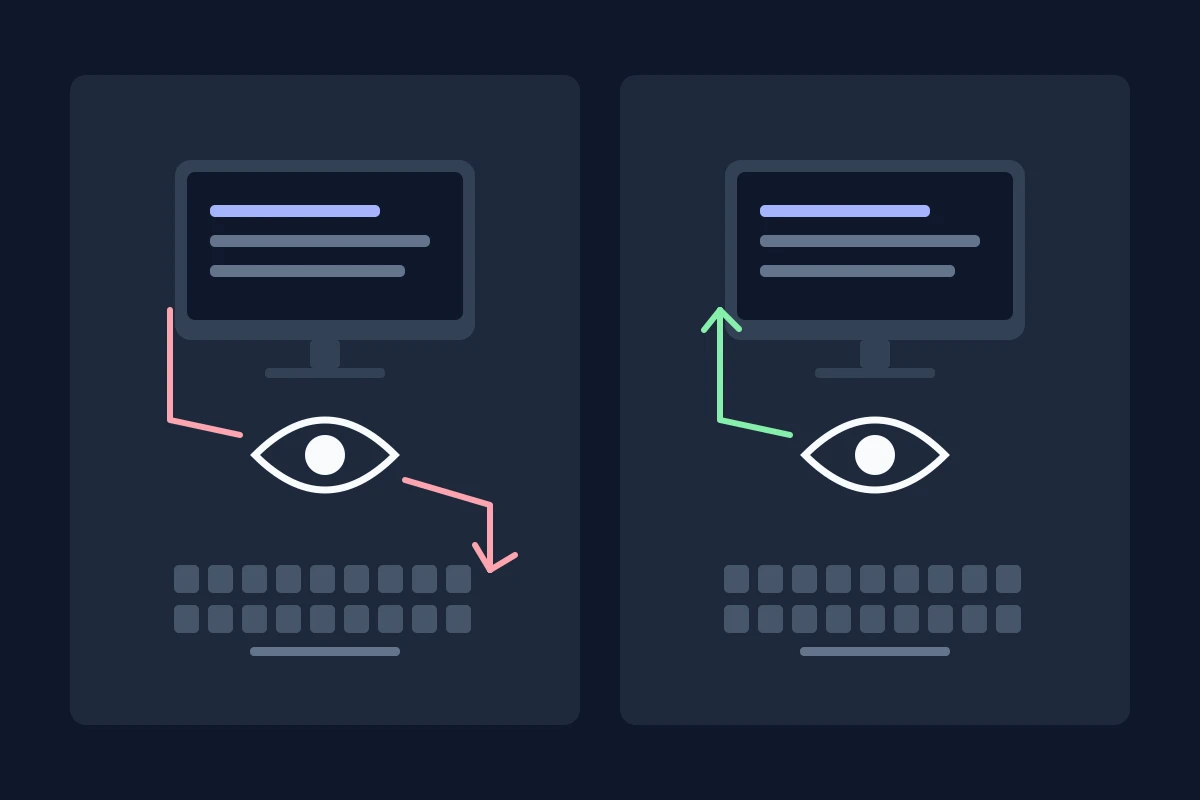
Typing by Looking vs. Typing Without Looking: What Changes?
Compare typing while looking at the keyboard with touch typing. See what research says about speed, errors, and when changing your technique is worthwhile.
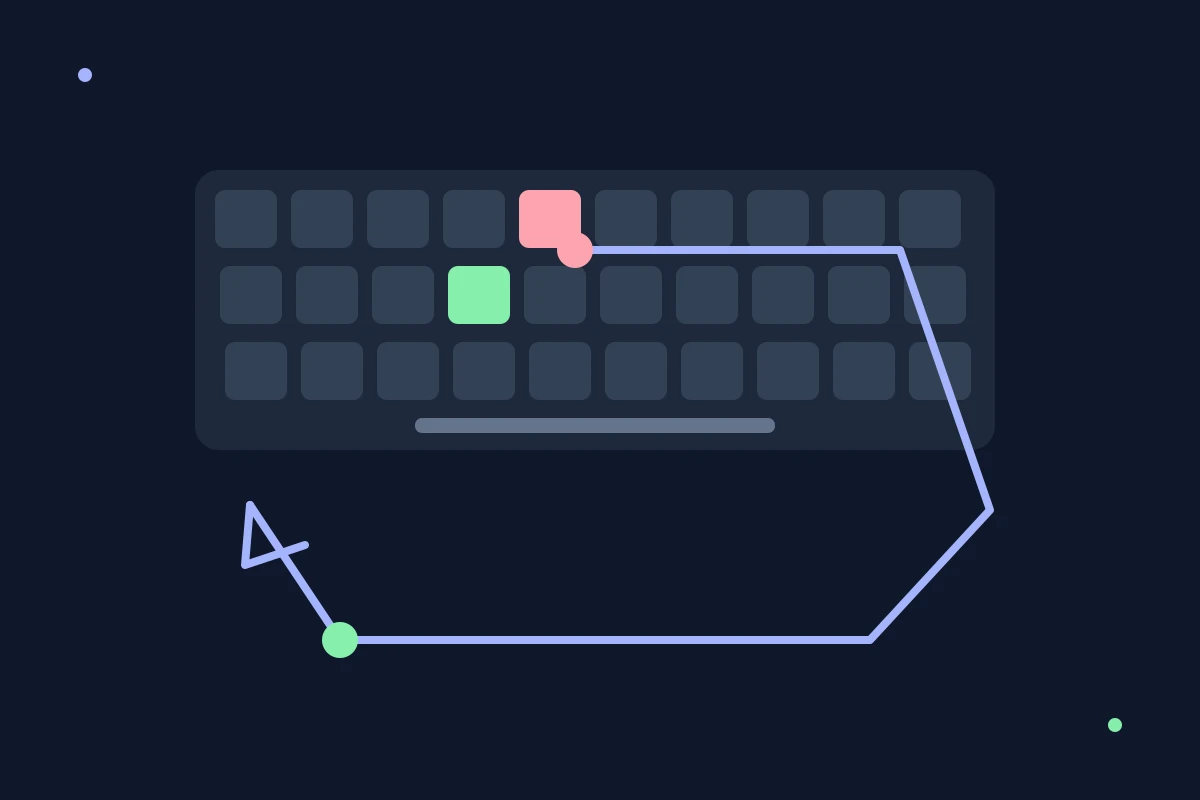
Does Backspace Slow Your Typing? Try This 7-Day Drill
Learn why frequent Backspace use breaks typing rhythm, when corrections still matter, and how to run a useful no-Backspace typing drill for one week.
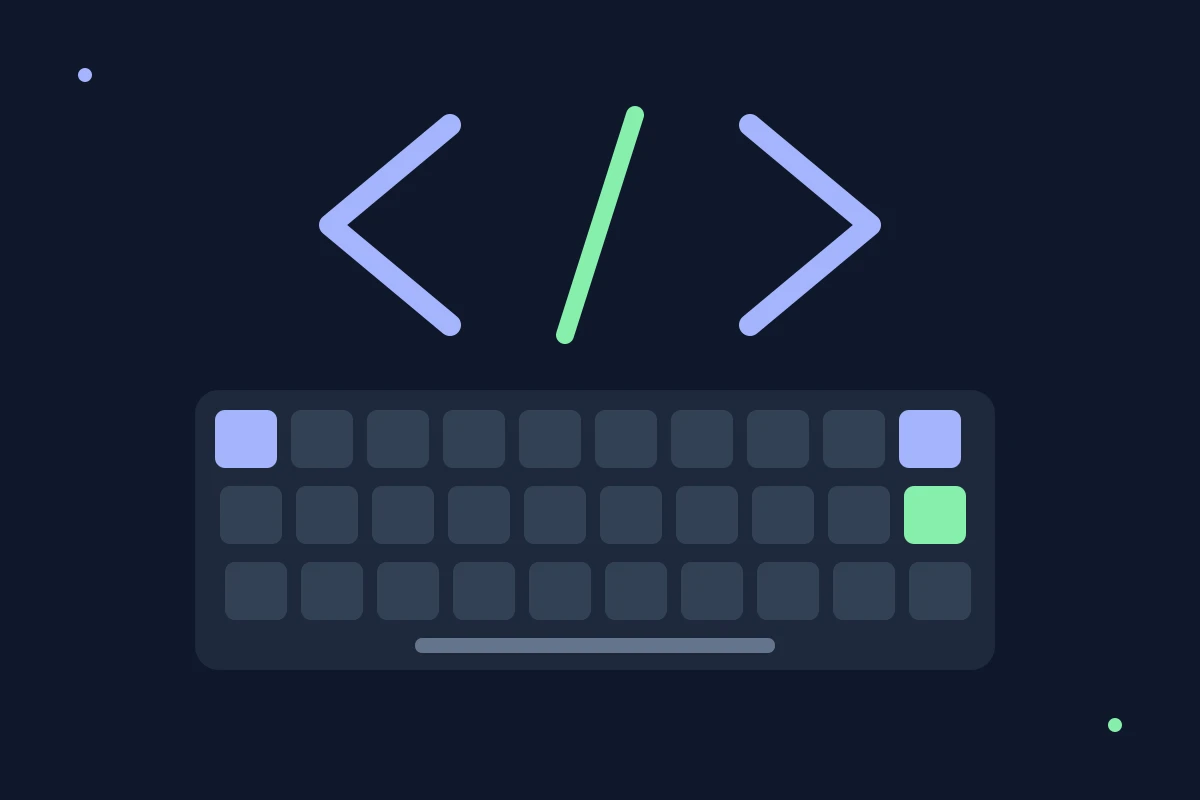
Code Typing Practice: Symbols, Indentation, and Accuracy
Build a code typing routine with symbol drills, naming conventions, and language-specific snippets. Practice Python, JavaScript, SQL, and more.
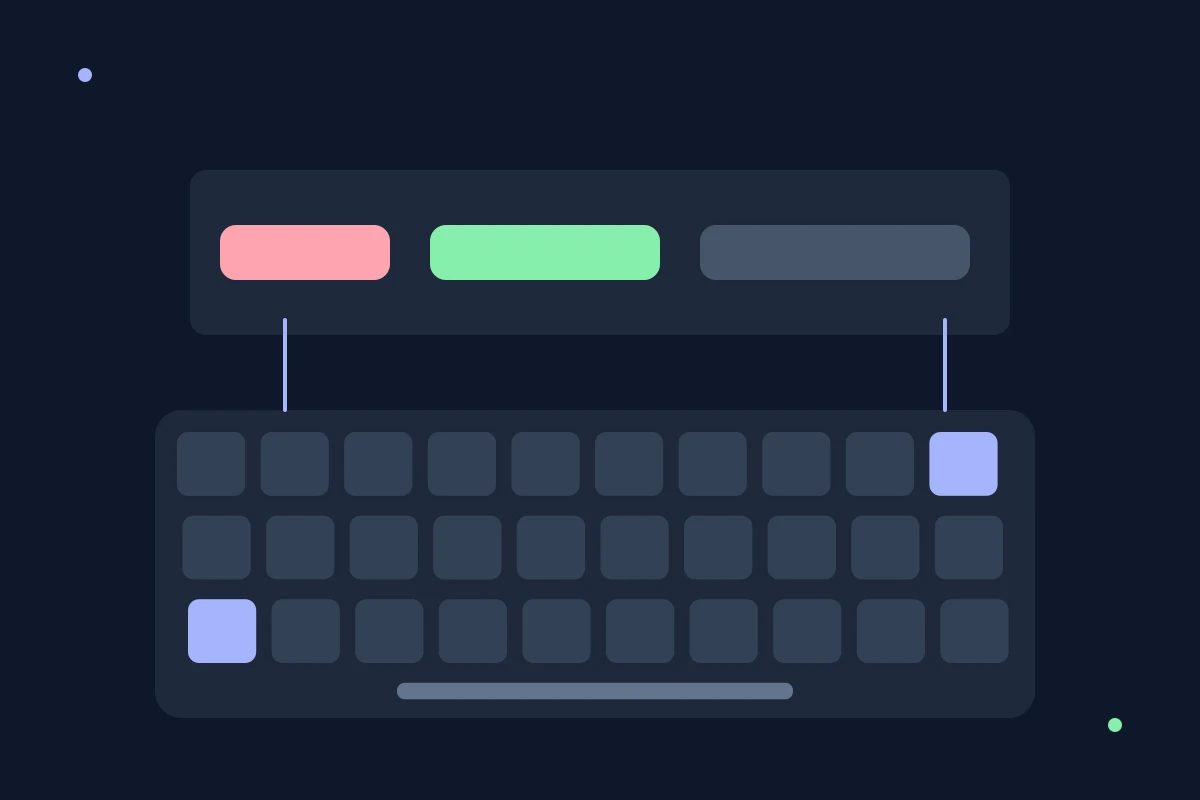
7 Keyboard Shortcuts That Fix Typos Without Killing Your Flow
Word- and line-level editing shortcuts for Windows and Mac that fix mistakes faster than repeated Backspace taps, so you don't lose your typing rhythm.
Stop Looking at the Keyboard: Practice by Touch
Learn to find keys while watching the screen with short practice attempts, a reliable starting position, and realistic progress checks.
Typing Practice for Jobs: A Practical Preparation Plan
Prepare for a job typing test with a baseline, accuracy drills, numeric practice, and profession-specific text. Learn what to check before the assessment.
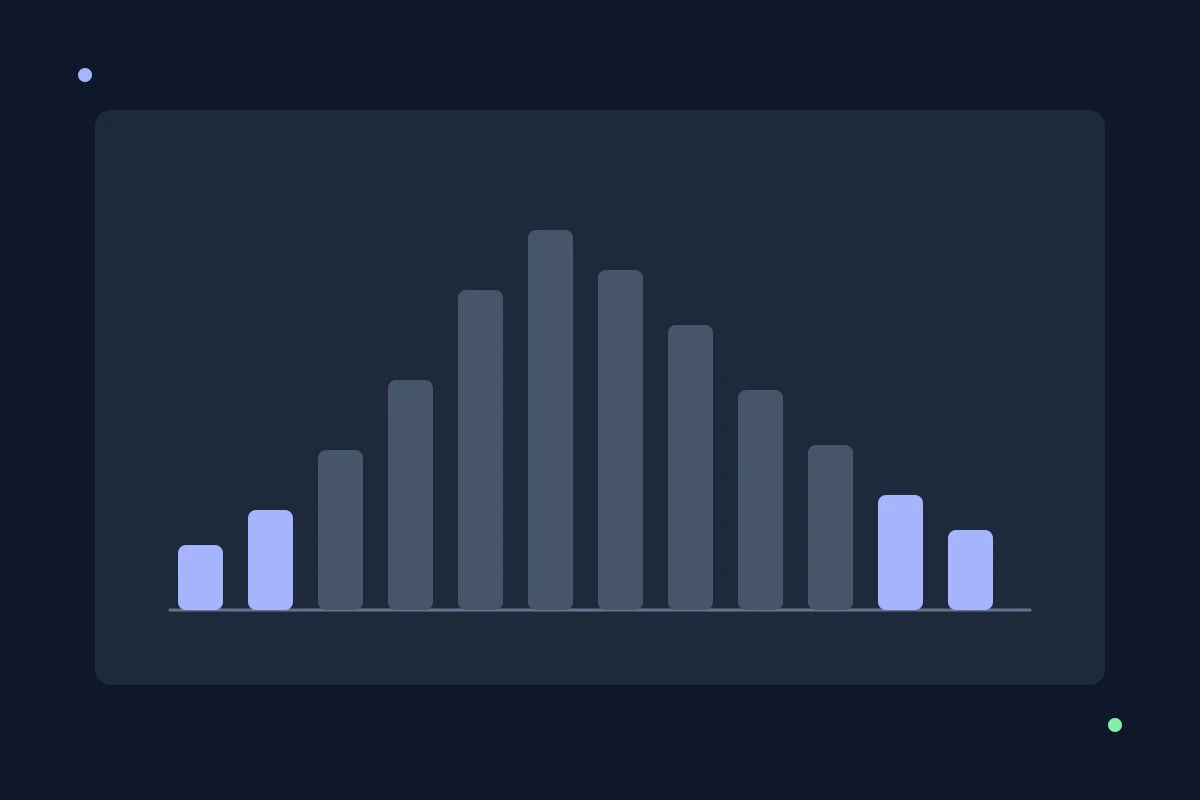
Typing Speed Percentiles: Is Your WPM Actually Good?
Compare your typing score with published study benchmarks, understand the sample limits, and avoid inventing an exact WPM percentile.

Typing Speed Plateau: Check Errors, Pace, and Endurance
Investigate a flat typing score with comparable tests, recurring-error checks, and pace or endurance practice. Separate useful observations from guesses.
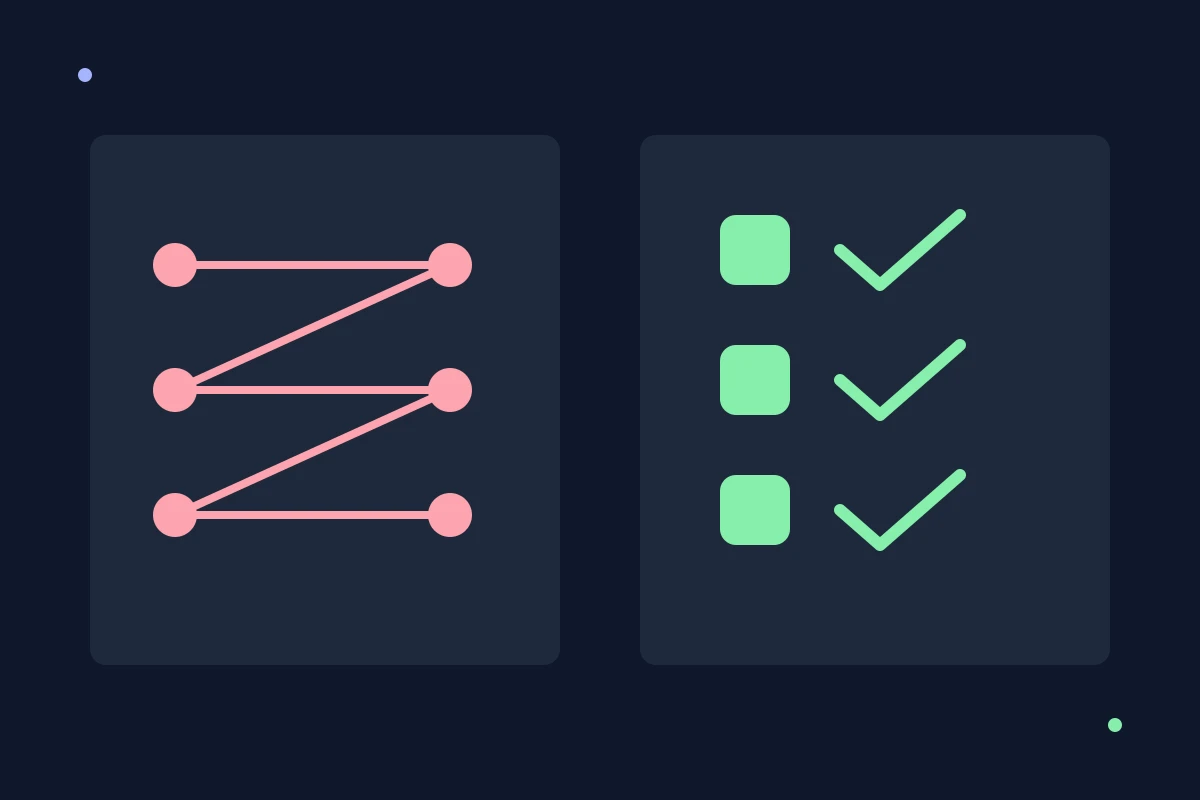
Typing Speed vs. Accuracy: What to Practice
Choose accuracy drills or pace practice from recurring mistakes and comparable results. Learn what typing research supports and where fixed cutoffs mislead.
QWERTY vs. Dvorak vs. Colemak: Should You Switch?
Compare QWERTY, Dvorak, and Colemak by familiarity, shortcuts, and retraining needs. Decide whether a new layout fits how and where you type.
How Long Does It Take to Learn Touch Typing?
Learn what affects touch typing progress and how to plan short practice sessions. Use skill milestones instead of promises about a fixed number of days.
What Is a Good Typing Speed? WPM and Accuracy Explained
Understand good typing speed using a research benchmark, accuracy, test conditions, and your own goals. Compare WPM without misleading job thresholds.