Stop Looking at the Keyboard: Practice by Touch
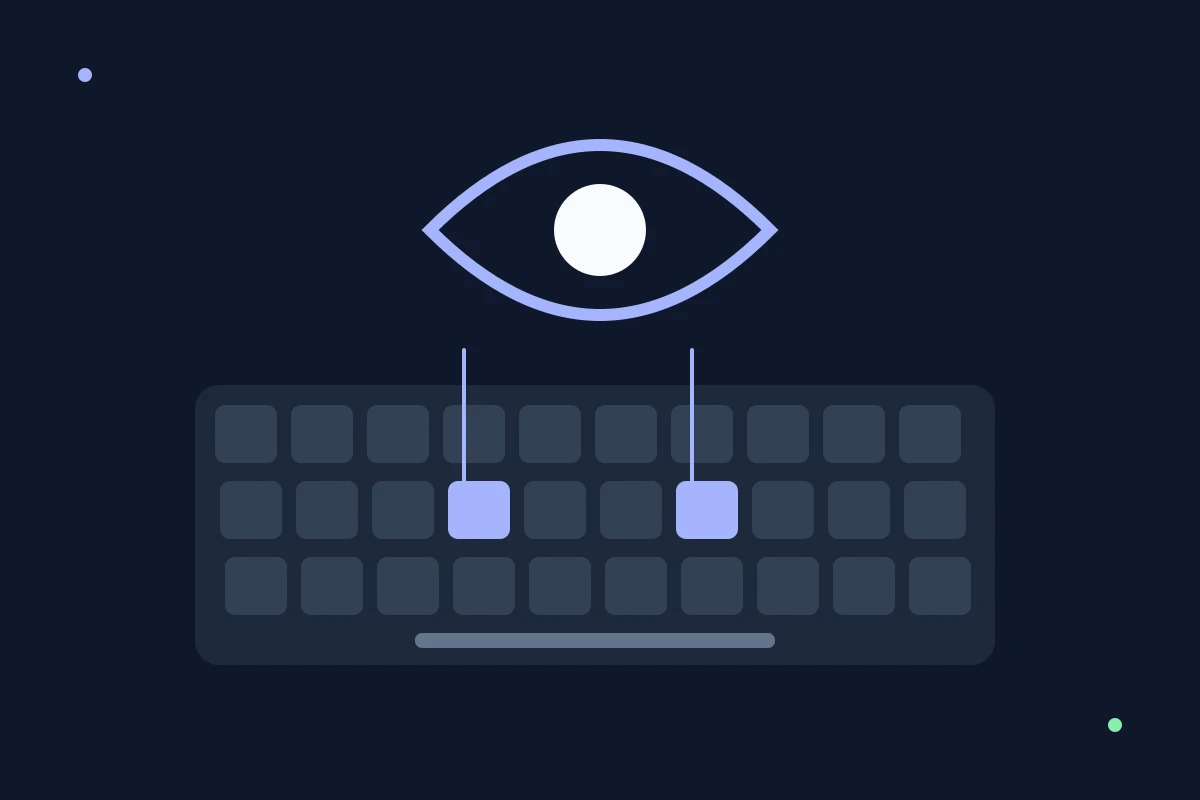
You can know where a key is and still glance down before pressing it. Finding letters by sight is a familiar habit; entering them while watching the screen asks you to rely on a movement you may not yet trust.
There is no reliable number of days for making that change. Start with short attempts you can review, rather than a demand to keep your eyes up for an entire fast passage.
What tactile-feedback research tells us
Rabin and Gordon’s study, published online in 2003 and in print in 2004, investigated expert typists with restricted visual and fingertip feedback. Removing fingertip sensation increased errors, supporting the role of touch in consistent typing. It was an experiment on skilled typists, not a trial establishing the best beginner exercise. Read the study abstract.
That distinction matters: tactile feedback contributes to the skill, but the study cannot promise that covering a keyboard for a week will teach it.
What actually helps
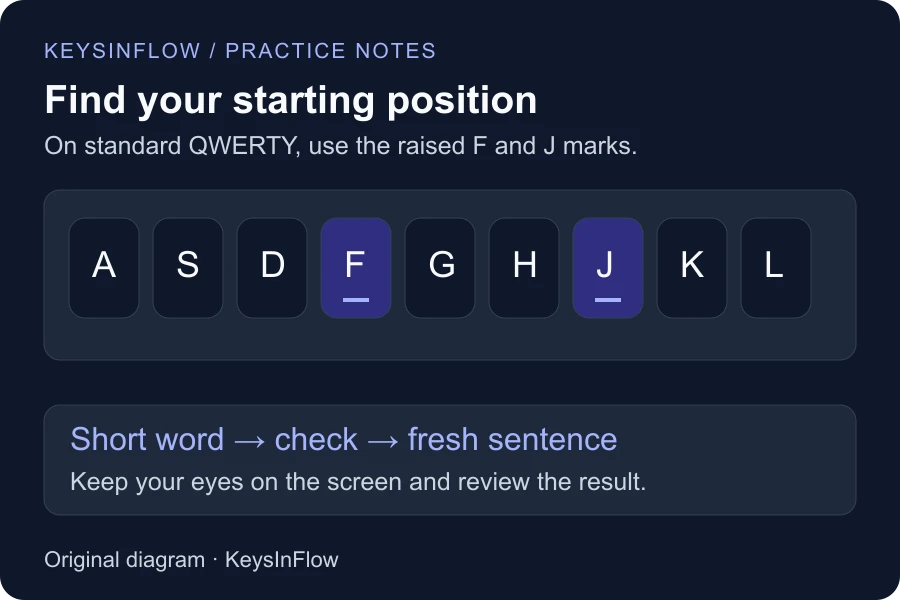
On standard QWERTY keyboards, locate the raised marks on F and J with your index fingers. Use them as a starting reference. Then type a short, familiar word while looking at the screen and inspect the result.
If a key is still hard to find, check its position deliberately and try again at a comfortable pace. Keep the text easy enough that you can observe the movement. Do not turn an occasional glance into a failed session.
Start with finger lessons if individual reaches take most of your attention. Move to hand lessons when you can combine keys comfortably. These are practice suggestions, not a fixed timeline validated by the fingertip experiment.
Put the movement back into a sentence
After a word feels comfortable, use it in fresh sentences with capitals and spaces. If the same letter keeps failing, slow that reach down and check your starting position. If letters arrive out of order, practice the transition rather than repeatedly pressing either letter on its own.
Our guide to scrambled typing includes a worked example. Use the weak-key analyzer for recurring key errors, but remember that it records keyboard input; it cannot measure your eye movements or prove why you looked down.
Measure the result, not just the glances
Record whether you can enter unfamiliar text accurately while watching the screen. Compare similar passages over several sessions. Fewer searches and fewer repairs are useful signs; one clean attempt on a memorized word is less informative.
You may still look for an unfamiliar symbol or a shortcut. Consider how much the glance interrupts the actual task instead of treating zero glances as the only useful goal. For the broader progression, read how to learn touch typing.
Frequently asked questions
Should I cover the keyboard?
It is optional. You can try a brief exercise with the keys out of sight, but do not obstruct your hands or keep going when you cannot find the required keys. Looking at the screen during a simple drill is an easier starting point.
Why do I look down when I type faster?
Faster or unfamiliar text can make a movement harder to execute confidently. That is a reason to reduce the task and observe the reach, not enough information to diagnose a particular feedback mechanism.
How long will it take?
It varies with your starting habits, keyboard, text, and practice. Use milestones such as fewer searches and accurate unfamiliar sentences rather than a promised completion date.